
Execute the "uritec.exe" file
Depending on the browser you are using, the place to click to execute "uritec.exe" changes:
Google Chrome
In the bottom of the screen, you will see the following message. Choose the "Save" option:

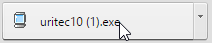
Then click on the file you juste save; the file shows in the same place:
Mozilla Firefox
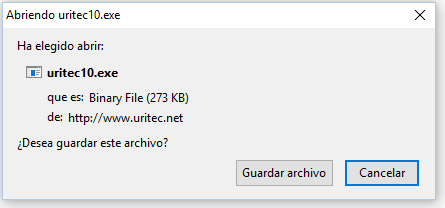
Before donwloading it, the following message will appear:
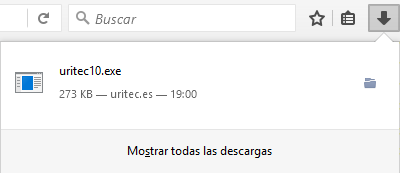
Then you click on  in the up right corner in Firefox and you click on "uritec.exe" file:
Microsoft Edge
En the bottom of the window you will find the following message. Just click on "Execute":
